
FEC Corrected vs Uncorrected Errors: Read the Trend Before Failure
Corrected forward error correction (FEC) errors show that the decoder repaired errors before they reached higher layers. Uncorrected errors mean the correction capability was exceeded or the decoder could not recover the data. A nonzero corrected count is not automatically a fault. Judge the rate, trend, lane distribution, traffic load and exact physical-medium-dependent application instead of using one universal threshold.
Identify what the platform is actually counting
Record whether the counter represents corrected bits, symbols, blocks or codewords, and whether it is per lane or aggregate. Save the configured and operational FEC mode, port speed, breakout mode, physical medium and software release.
Do not compare raw counts between platforms until the units, rollover behavior and clear time are known.
Normalize the observation window
Save the baseline timestamp and traffic level, then calculate change over a defined interval. A large lifetime count may be less useful than a rapidly rising rate after a recent change.
Avoid clearing counters before preserving the original state. When a controlled reset is permitted, document it so the next reader does not mistake a short sample for a clean history.
Use uncorrected errors as a stronger escalation signal
Uncorrected codewords, loss of FEC lock, frame errors or packet errors require prompt investigation because the correction layer is no longer containing the impairment. Correlate the timestamp with link flaps, traffic loss and alarms.
A zero uncorrected count does not prove healthy margin. A rising corrected rate can reveal degradation before service impact appears.
Compare lanes and directions
A problem concentrated on one lane can indicate a connector, MPO fiber, transmitter lane, receiver lane or electrical-lane issue. Similar degradation across lanes may point to shared power, temperature, host configuration or path conditions.
Compare both endpoints. The receiving side observes the errors created by the remote transmitter and intervening path in that direction.
Separate mode mismatch from channel quality
Confirm that both endpoints use the FEC required or supported by the exact application. Then check optical power, lane power, connector condition, temperature, cable length, routing and signal-integrity indicators.
Do not disable FEC merely to make a warning disappear. That can remove protection without repairing the underlying channel.
Record an acceptance decision
Define the observation period, traffic condition, allowed service errors and platform-specific acceptance criteria. Store the before-and-after counter values, lane data and changes so the decision can be repeated later.
Related Axonode guidance
Technical sources
Frequently asked questions
Are corrected FEC errors normal?
They can be. FEC exists to correct errors; use rate, trend, lane distribution and the exact application to judge margin.
What is the difference between corrected and uncorrected codewords?
Corrected codewords were recovered by FEC. Uncorrected codewords exceeded the decoder's ability or were otherwise unrecoverable.
Why do counters differ between vendors?
Platforms may count different units, use different intervals and expose per-lane or aggregate statistics.
Can good optical power rule out a high corrected-error rate?
No. Power does not expose every optical, electrical, connector, modulation or configuration impairment.
Bring rates and context, not only a lifetime counter
Share both endpoint platforms, software, PMD, configured and operational FEC, counter definitions, timestamped deltas, lane data, optical readings, cable or fiber path and traffic condition. Axonode can help organize the media and compatibility evidence for a controlled comparison.
Contact Axonode or review the optical transceiver portfolio.
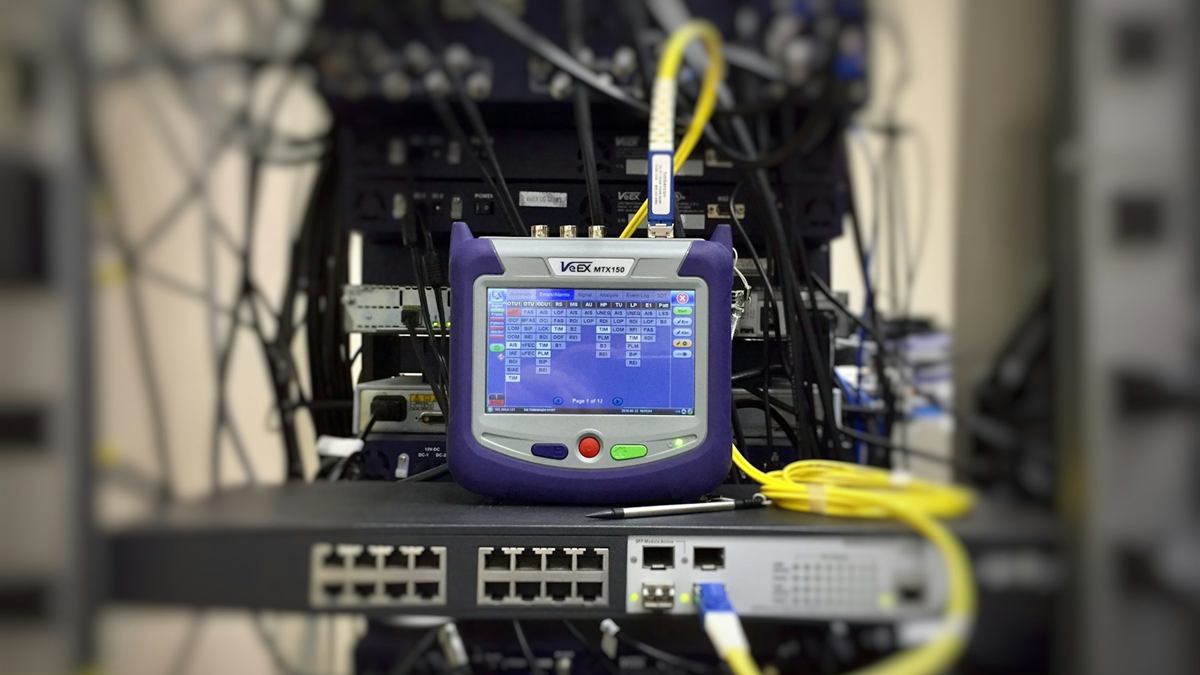 DOM vs Optical Power Meter vs OTDR: Choose the Right Evidence
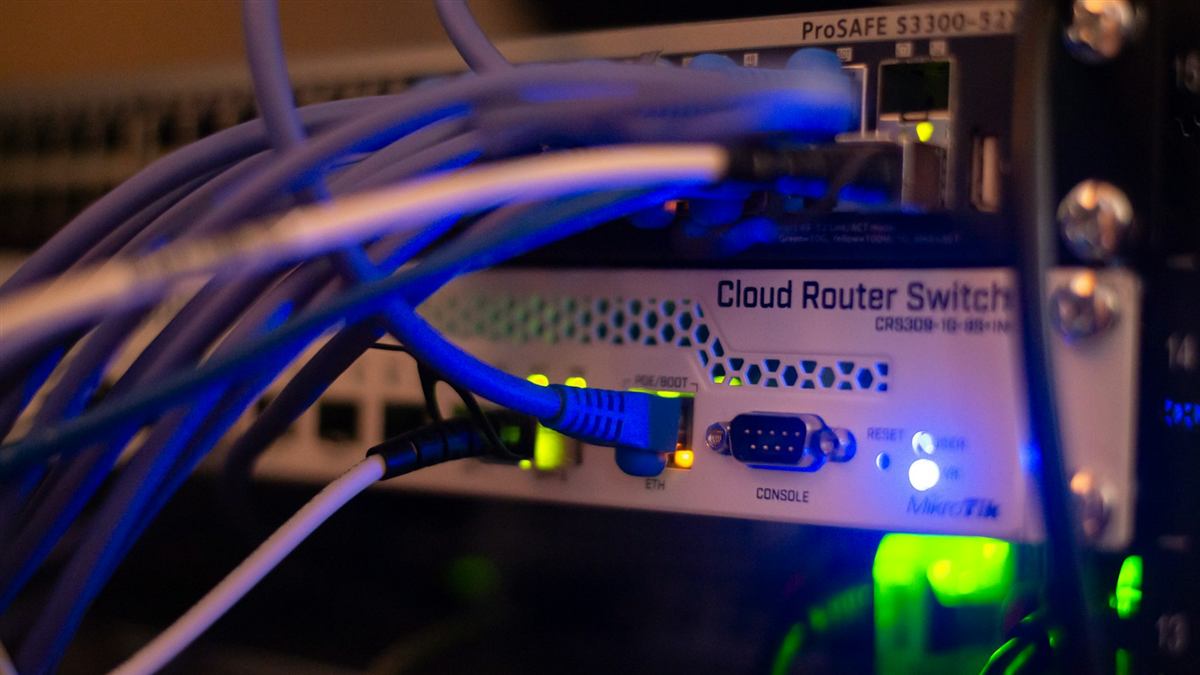 FEC Corrected vs Uncorrected Errors: Read the Trend Before Failure
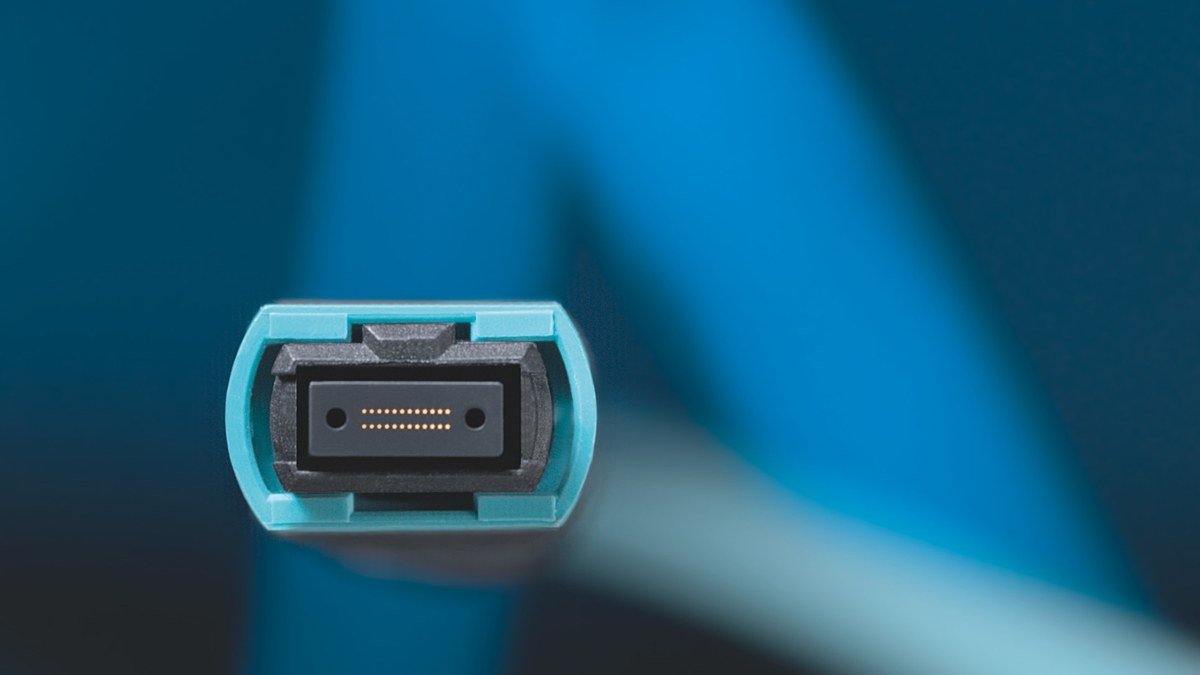 MPO Polarity Troubleshooting for Parallel Optics
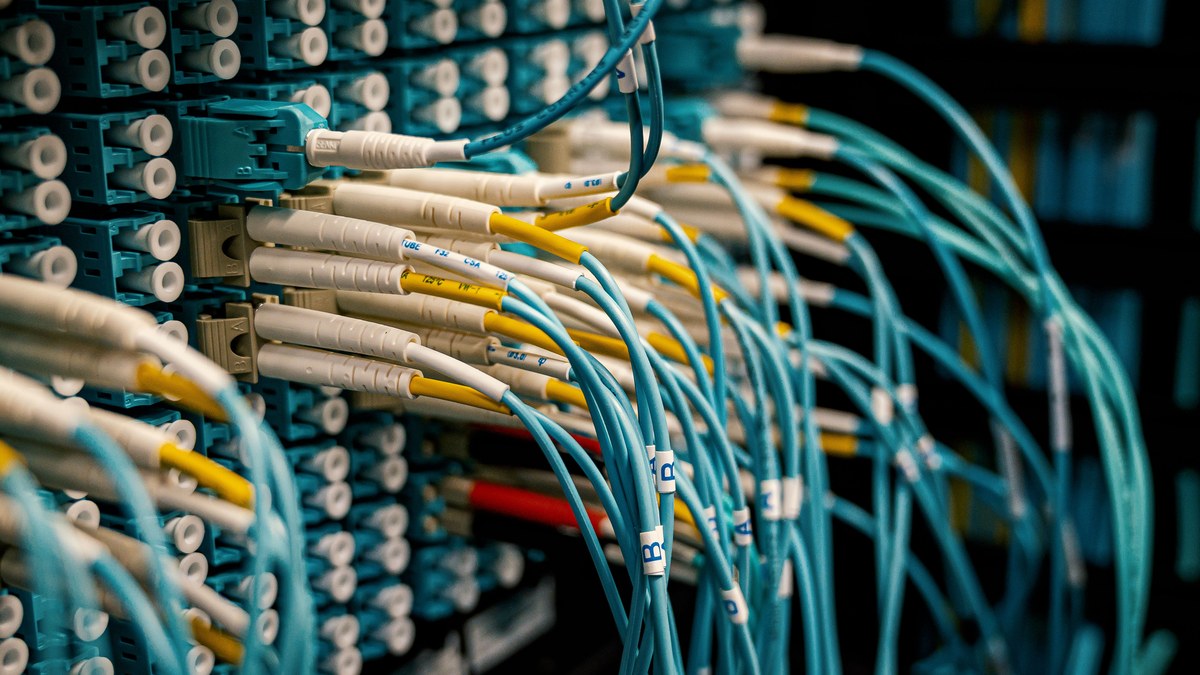 Tunable DWDM Transceiver Commissioning Checklist