
Optical Transceiver EOL Replacement Planning Checklist
An end-of-sale or end-of-life (EOL) notice starts a lifecycle review, not an automatic module swap. Preserve the installed service requirements, separate the official sale and support milestones, and validate any successor against the exact host, software and optical path before changing the spare strategy. A recommended migration product is not evidence of a drop-in replacement.
Separate the lifecycle milestones
Record the official notice, end-of-sale date, last supported software context, last date of support and any recommended migration product. These dates answer different operational questions.
An operator may still own usable installed stock after end of sale, while support, repair or software coverage can expire later. Build the plan around service risk and lead time rather than waiting for the final support date.
Use the manufacturer's current notice as the authority. Distributor inventory or a marketplace listing does not establish ongoing support or authenticity.
Save the notice revision and the affected part-number suffixes. An announcement for a related module family does not establish the lifecycle status of every optic using the same form factor. Where no official notice is available, record the status as unconfirmed.
Capture the installed service identity
For every affected optic, record:
- host platform, line card, port and software;
- exact module part number and revision;
- rate, form factor and electrical interface;
- optical application, reach and fiber type;
- Tx/Rx wavelengths or WDM channel;
- connector and polarity;
- lane mode, breakout and forward error correction (FEC);
- coding, monitoring and power class;
- route loss, passive components and remote endpoint.
This record prevents the migration from becoming a search for a visually similar module.
Evaluate the proposed successor field by field
Compare the replacement with the installed identity and the service design. A newer form factor may need an adapter, a different line card or a platform upgrade. A newer optical application may use different FEC, lane signaling, connector or fiber assumptions.
If the manufacturer lists no direct replacement, treat the requirement as a redesign or controlled sourcing problem. Do not invent equivalence from rate and reach alone.
For example, Cisco's CPAK-100GE-LR4 lifecycle notice lists no replacement at the time of this review. That statement applies to the listed part numbers, not to every 100G optic. Check the current notice before using a migration recommendation in a purchase order.
The 100G QSFP28 selection guide illustrates why interface, fiber and host support must be checked together.
Check software and operational support
Use the host compatibility matrix and release notes to confirm the successor on the exact port and software. Determine whether the replacement forces a network OS change, new firmware, different FEC or new monitoring behavior.
For third-party-compatible replacements, record the required coding profile and the supplier's exact validation scope. A test on another switch family is not evidence for the target fleet.
Validate the optical path and remote endpoint
Confirm wavelength plan, fiber, connector, loss, receiver sensitivity, overload and passive components. For bidirectional (BiDi) optics, verify the replacement's transmit/receive wavelengths against the retained remote module; if replacing both ends, qualify a complementary pair. For wavelength-division multiplexing (WDM), confirm the channel and filter passband. For multifiber push-on (MPO) paths, verify fiber positions and polarity.
A replacement that links back-to-back can still fail across the production path. Include representative route and remote-end testing.
Build a staged spares and migration plan
Classify services by criticality, installed quantity, failure rate, remaining support and replacement complexity. Separate usable legacy spares from unverified purchases.
Qualify candidate replacements in representative hosts and links before volume commitment. Keep rollback stock for the pilot and define how mixed old/new endpoints will operate during transition.
Avoid buying a large speculative lifetime supply without reviewing storage conditions, authenticity, software direction and cash-flow risk.
Keep a migration register linking each old part number to a candidate replacement, its evidence, test status, allowed host/software combinations, pilot result and service owner. Separate approved replacements from candidates still under test so purchasing cannot mistake a proposed cross-reference for a released bill of materials (BOM).
EOL replacement checklist
- Save the official lifecycle notice and dates.
- Inventory installed modules and critical services.
- Capture exact host, software and optical identity.
- Compare the proposed successor field by field.
- Verify compatibility and release support.
- Validate the complete optical path and remote endpoint.
- Qualify samples in representative scenarios.
- Define pilot, rollback and mixed-fleet rules.
- Set risk-based spare quantities and reorder triggers.
- Update drawings, BOMs and support records.
Frequently asked questions
Is end of sale the same as end of support?
No. The official lifecycle notice normally defines separate milestones. Record each date and its operational meaning.
Is the vendor's suggested successor always a drop-in replacement?
No. It may require different hardware, software, FEC, connector, fiber or configuration.
Should we buy lifetime stock immediately?
Not without checking demand, storage, authenticity, support direction, replacement readiness and cash-flow exposure.
Can a compatible third-party optic extend the service life?
Potentially, but the exact host, software, optical path, coding and validation scope must be confirmed.
How should BiDi EOL modules be replaced?
Maintain complementary Tx/Rx wavelength pairs and validate both endpoints. Do not order two modules from the same direction.
What proves a replacement is ready for production?
Documented host support plus representative optical-path, configuration, diagnostics, FEC and traffic validation provide a defensible release gate.
Review the installed fleet before buying replacement stock
Share the existing part numbers, host fleet, software, optical applications, wavelengths, routes, quantities, critical spares and migration deadline. Axonode can help coordinate replacement mapping, sample validation and a risk-based BOM through vetted OEM manufacturing and testing partners.
Contact Axonode for EOL replacement review or browse the optical transceiver portfolio.
Technical sources
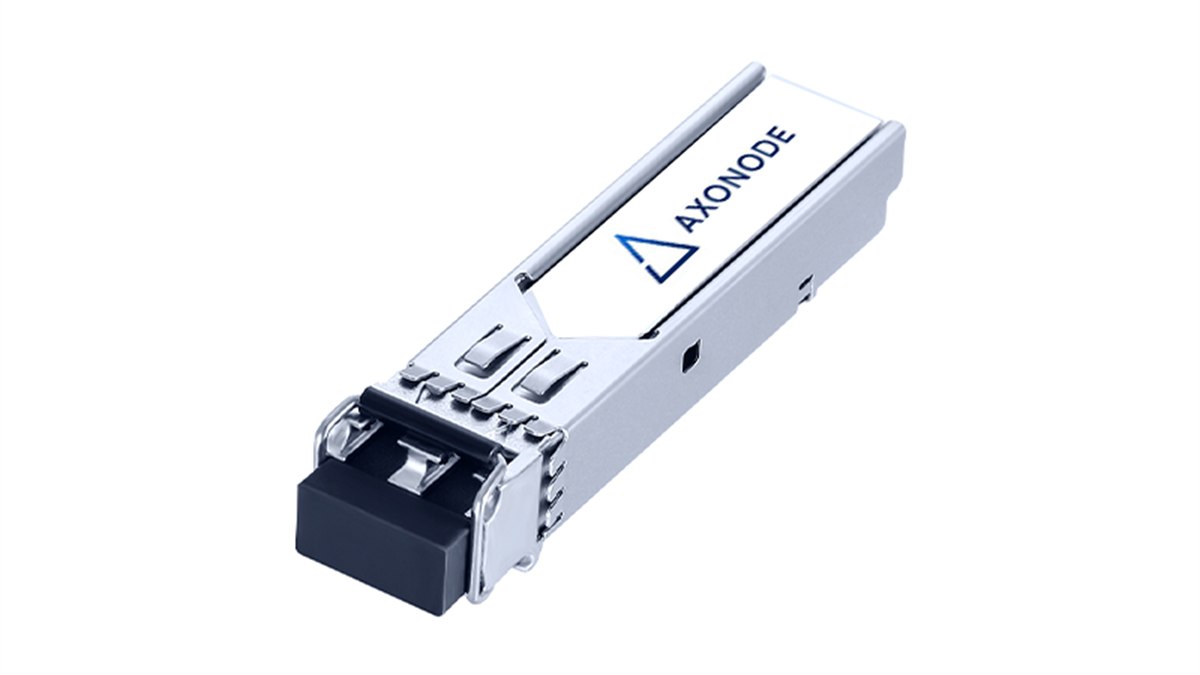 Optical Transceiver EOL Replacement Planning Checklist
 Optical Transceiver Regression Test After a Network OS Upgrade
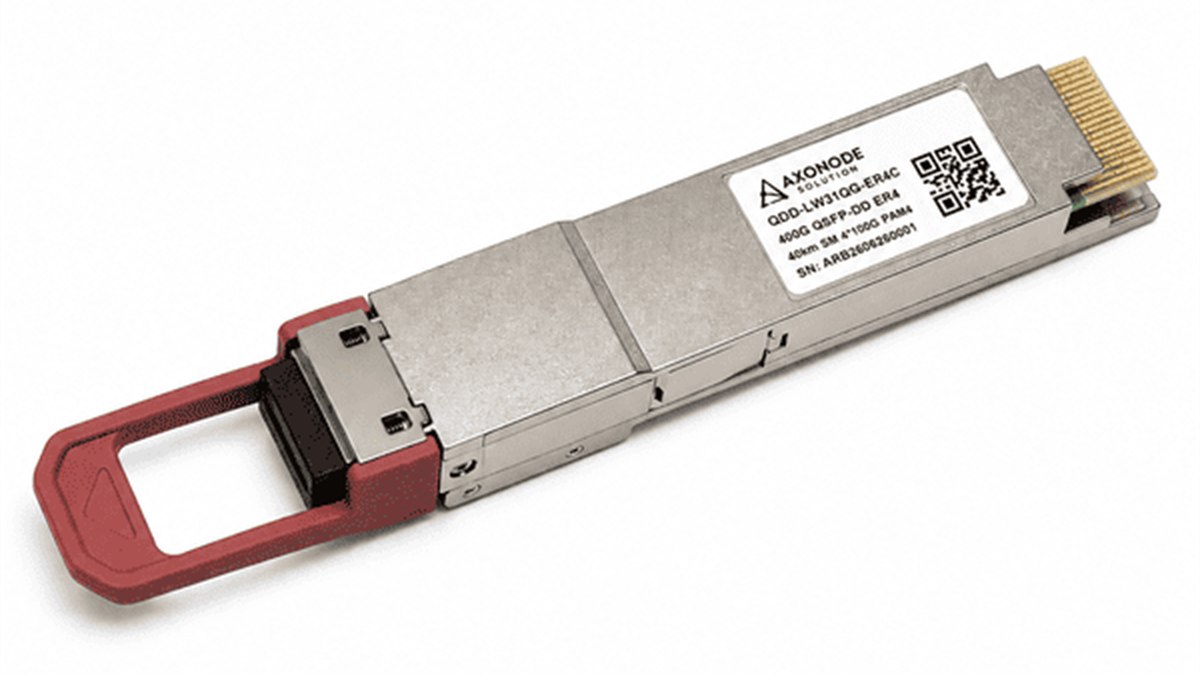 CMIS Module State Troubleshooting for QSFP-DD and OSFP
 Dirty Fiber Connector or Failed Transceiver? Controlled Fault Isolation